Articles
Articles Post
Best Android apps of 2026 covers 15 picks, from LinkMyMac to Droplert, with strong picks for Pixel, Mac, fitness, and file workflows for daily Android use.
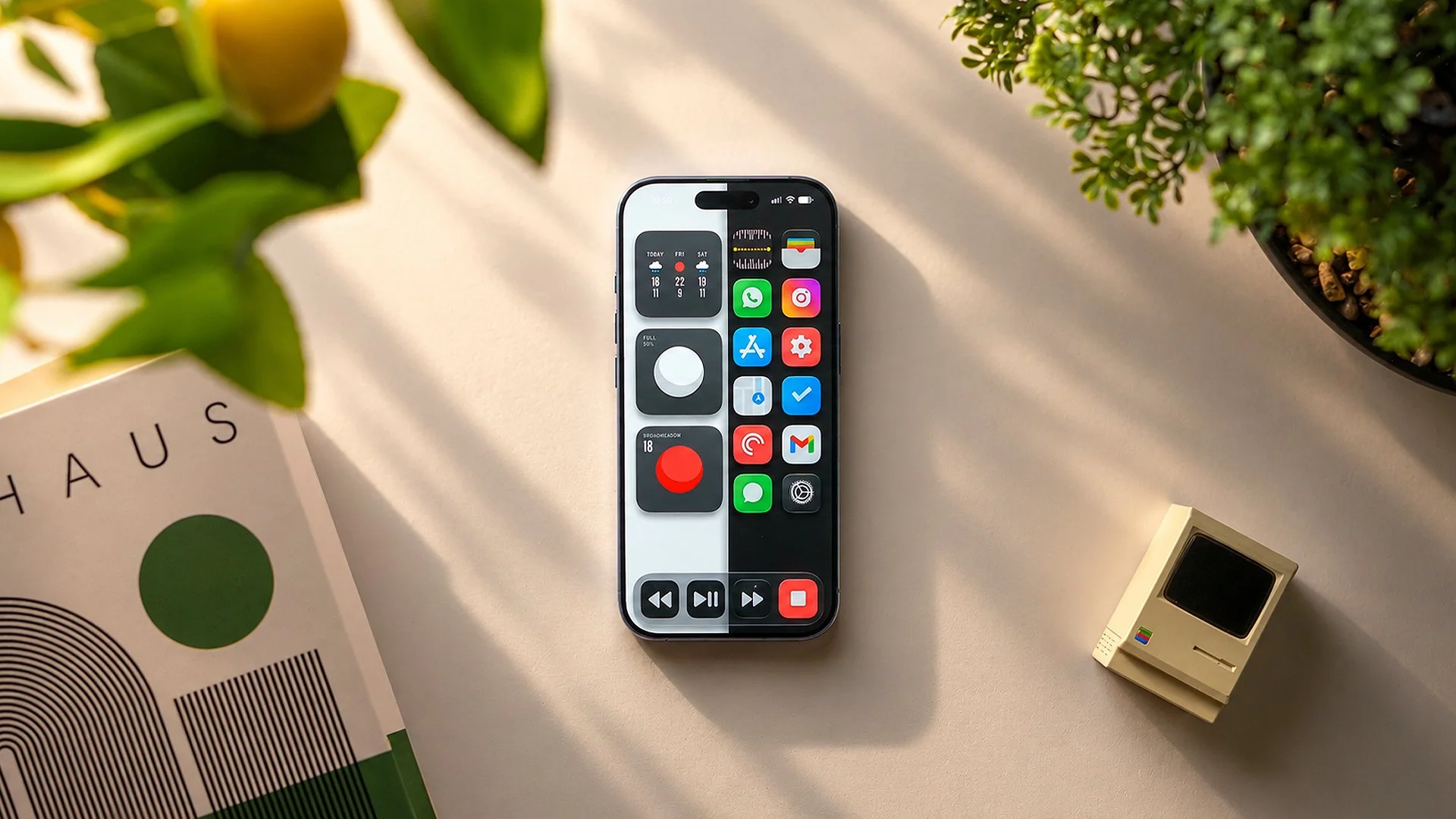
This iOS 27 customization guide is built around a simple idea: make the iPhone look completely different without turning the setup process into a nightmare. The final home screen uses a split wallpaper, Not Boring Weather widgets, updated Vision OS icons, a media-player-style dock, and an optional dark mode shortcut. Despite how cool it looks, this is hands-down the easiest iOS setup I’ve made for the channel.
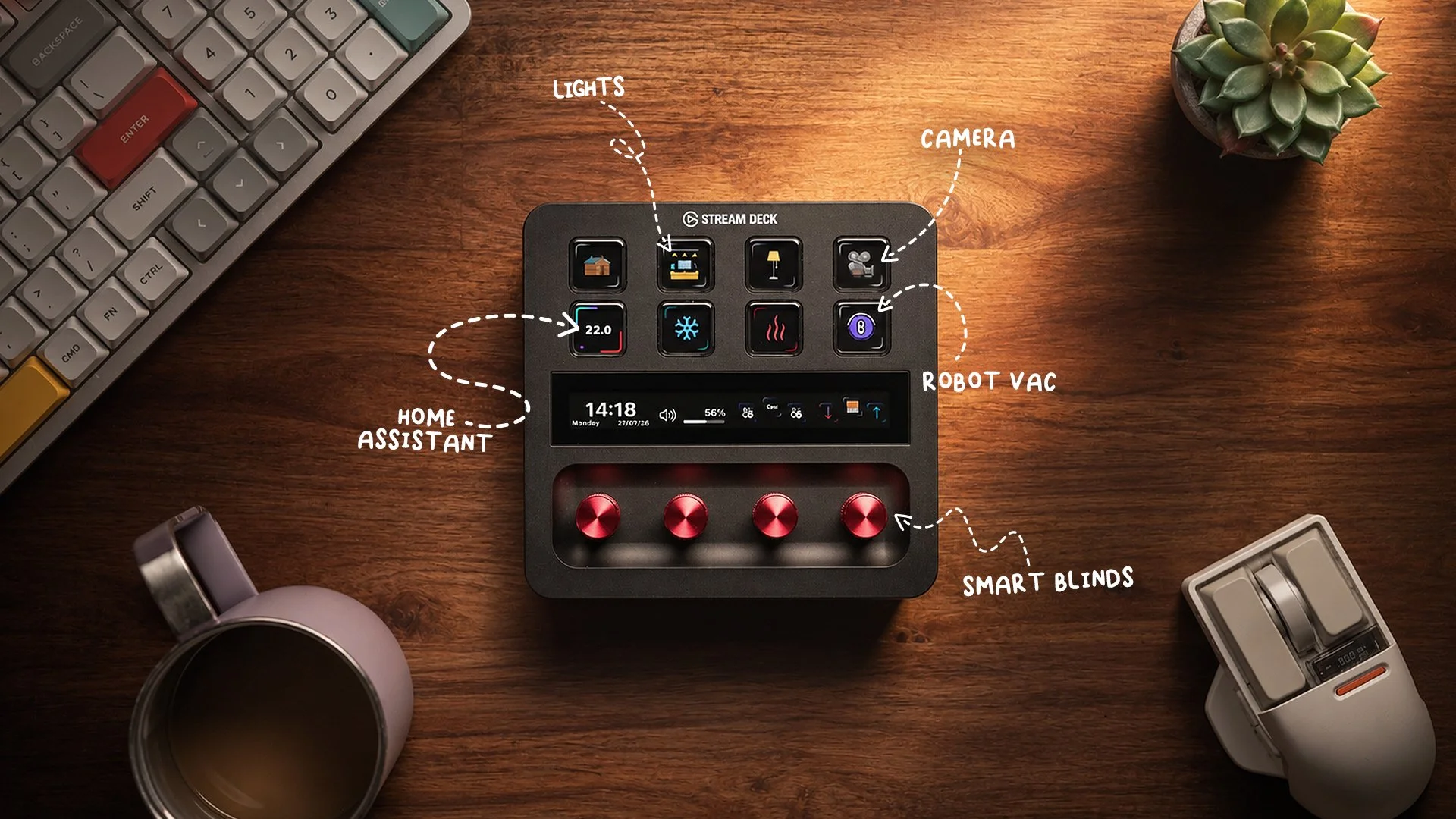
Elgato Stream Deck Plus review: after over a year, it is my favorite desk accessory for Home Assistant controls and Mac shortcuts.
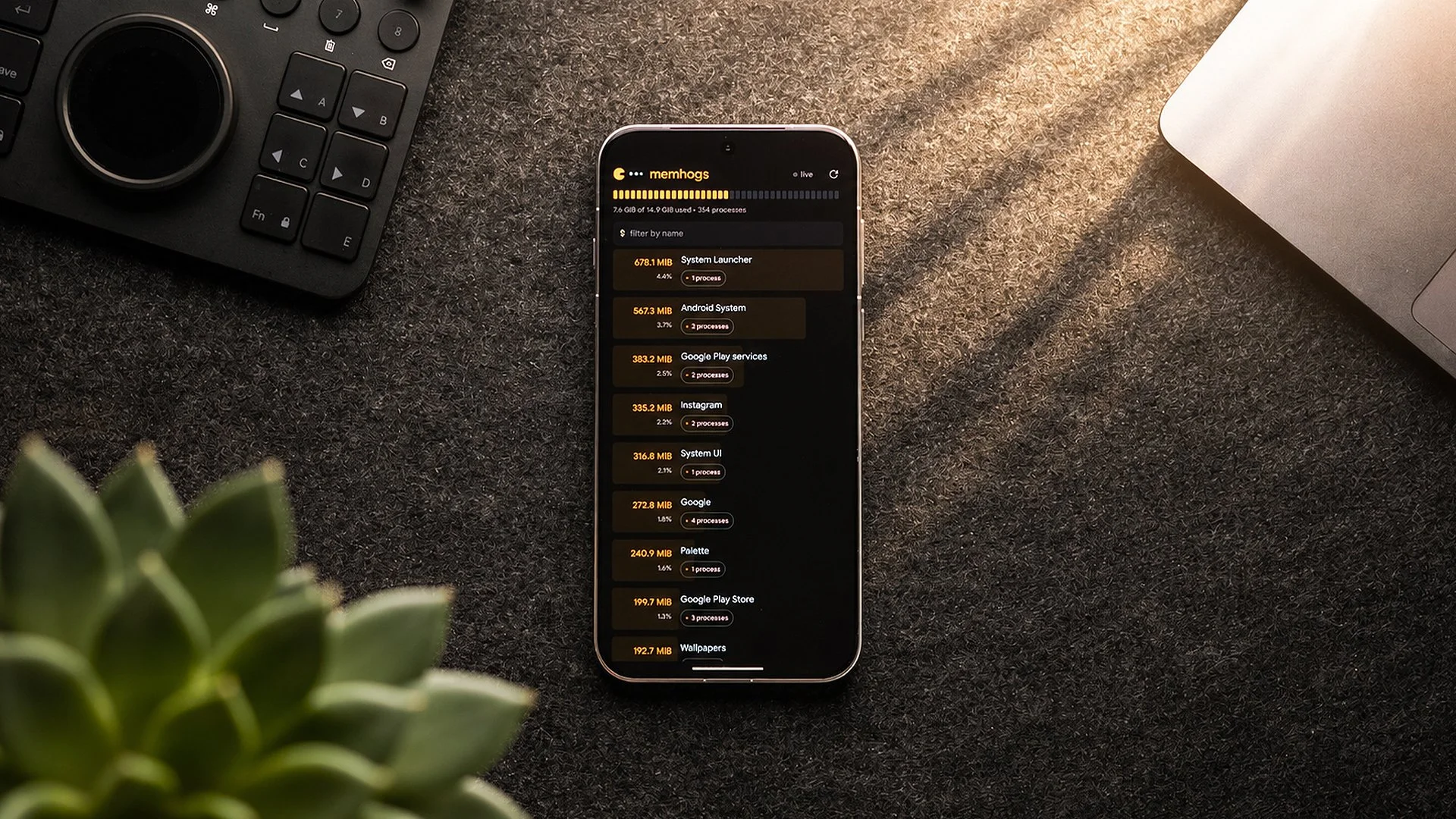
Shizuku apps make Android tweaks easier, and these 15 picks cover buttons, installers, privacy, ADB, foldables, and F-Droid use cases without root.
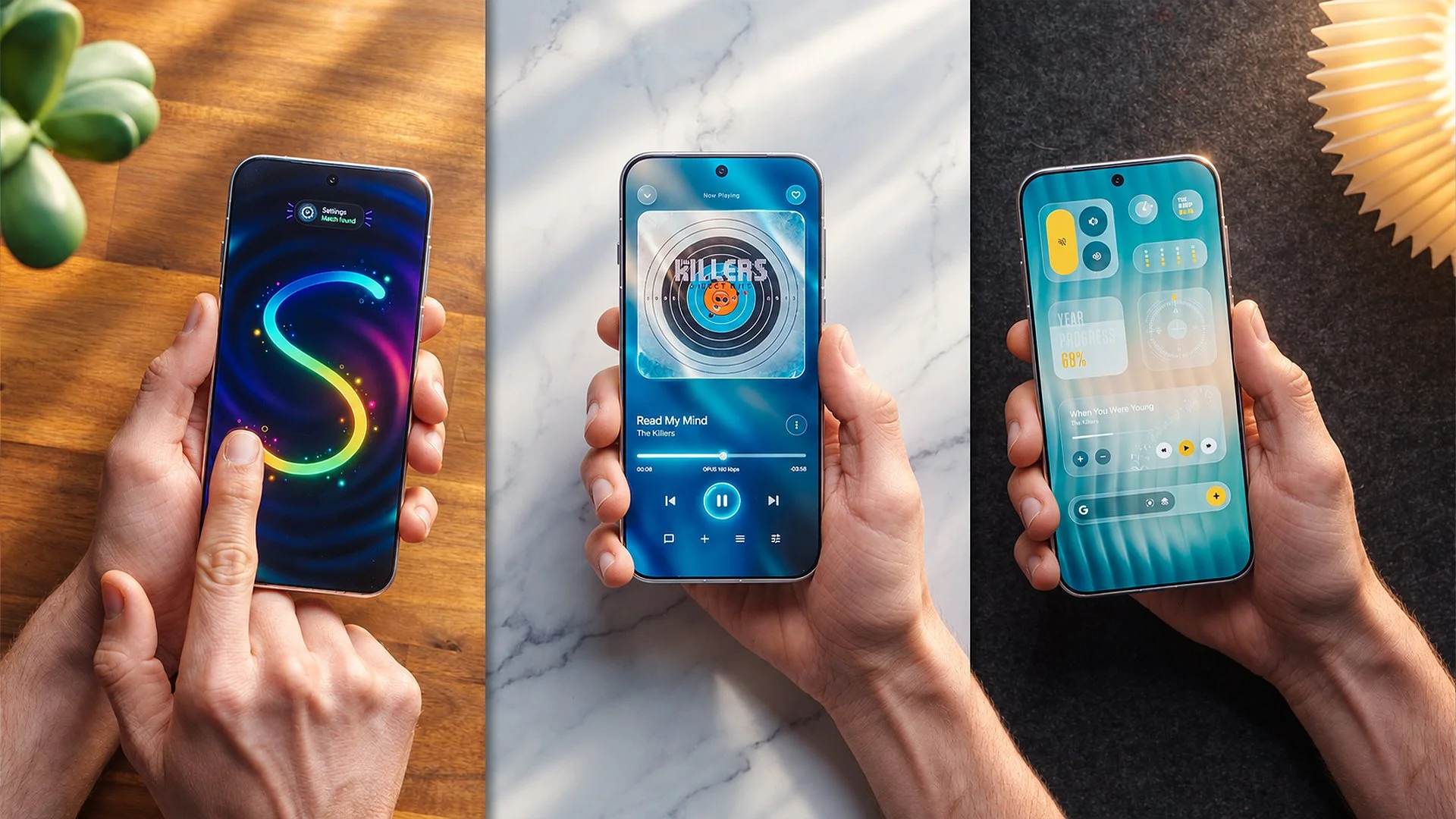
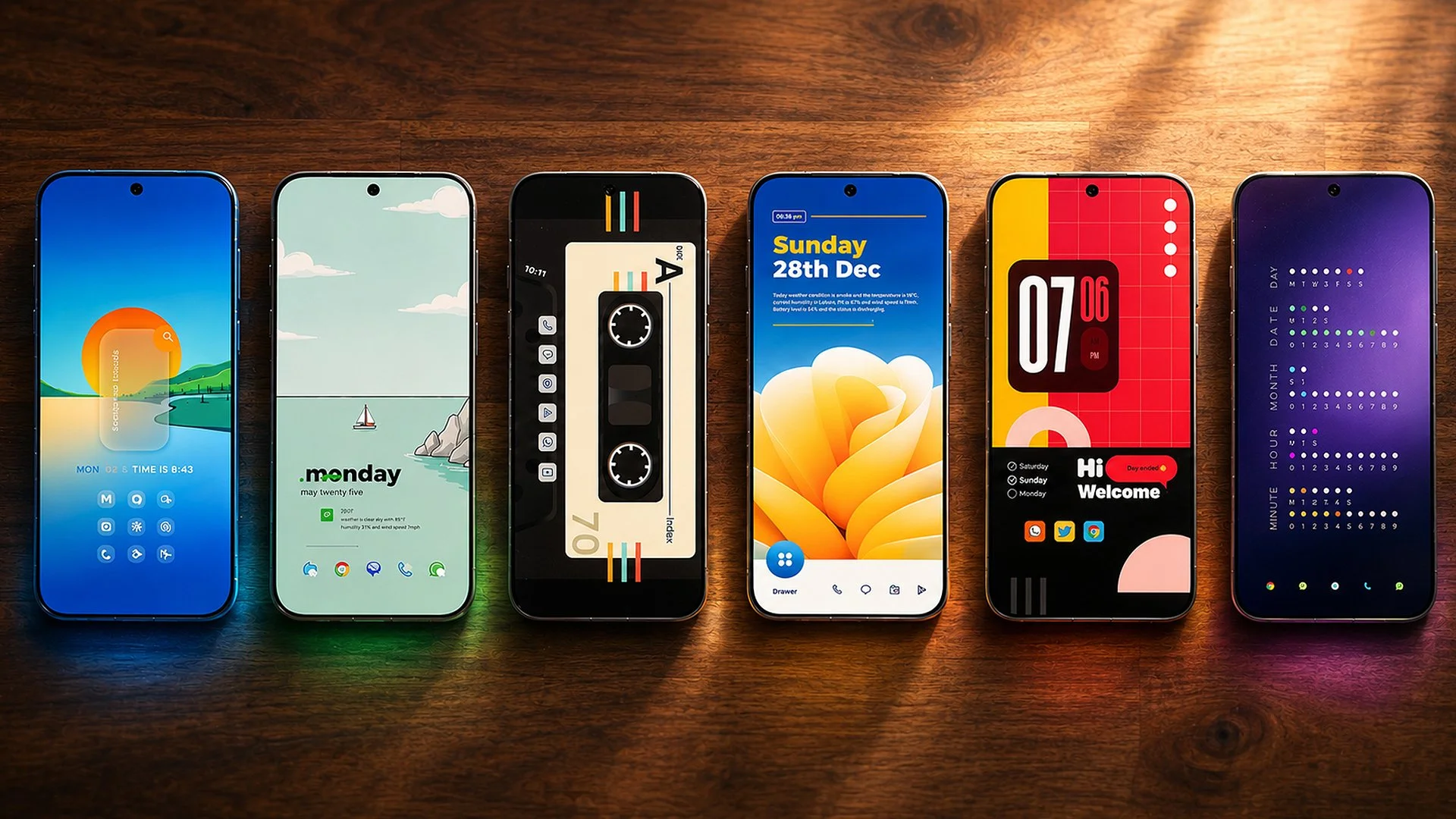
Android setups 2026 ended up being one of the most visually fun collections I’ve put together, with 10 home screens pulled from Palette that range from ultra-minimal to properly playful. Some are outrageously easy to recreate, some need a few manual tweaks, and one in particular is my personal favorite from the whole bunch. If your home screen has been feeling a little lifeless, these are the setups I’d start with.
Matte screen protector review: it feels better, kills reflections, and cuts fingerprints, but Oppo Find N6 installation was rough enough to need help.
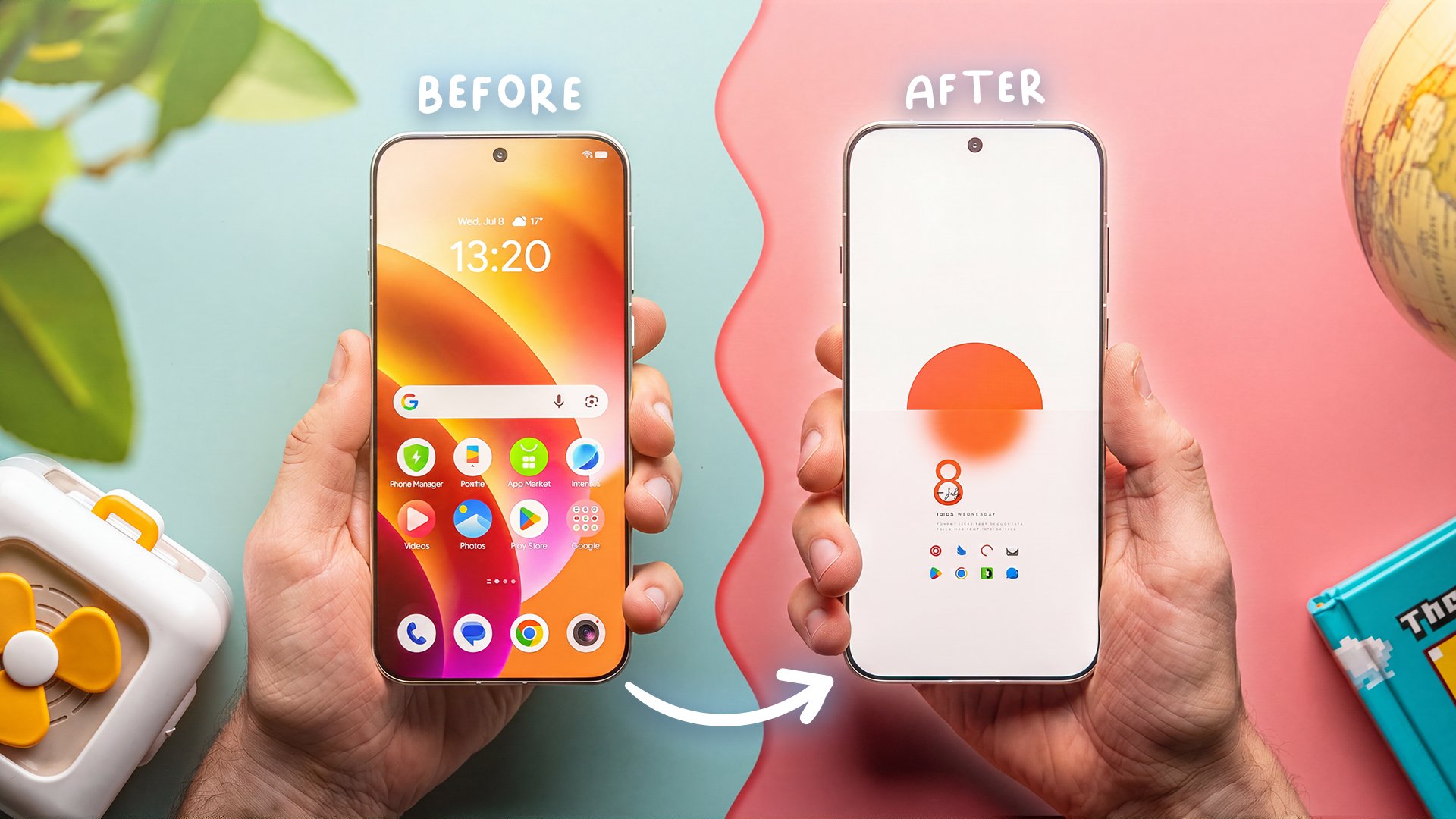
With a few simple tweaks, the stock ColorOS launcher can go from the default Oppo home screen to a clean Frosted Sun setup without switching to Nova Launcher. This ColorOS launcher customization uses Palette for the setup assets, KWGT for widgets, and a workaround for compact home screen icons that the launcher cannot build on its own. It takes patience, especially if you want notification dots, but the result looks polished and still opens apps with lovely animations.
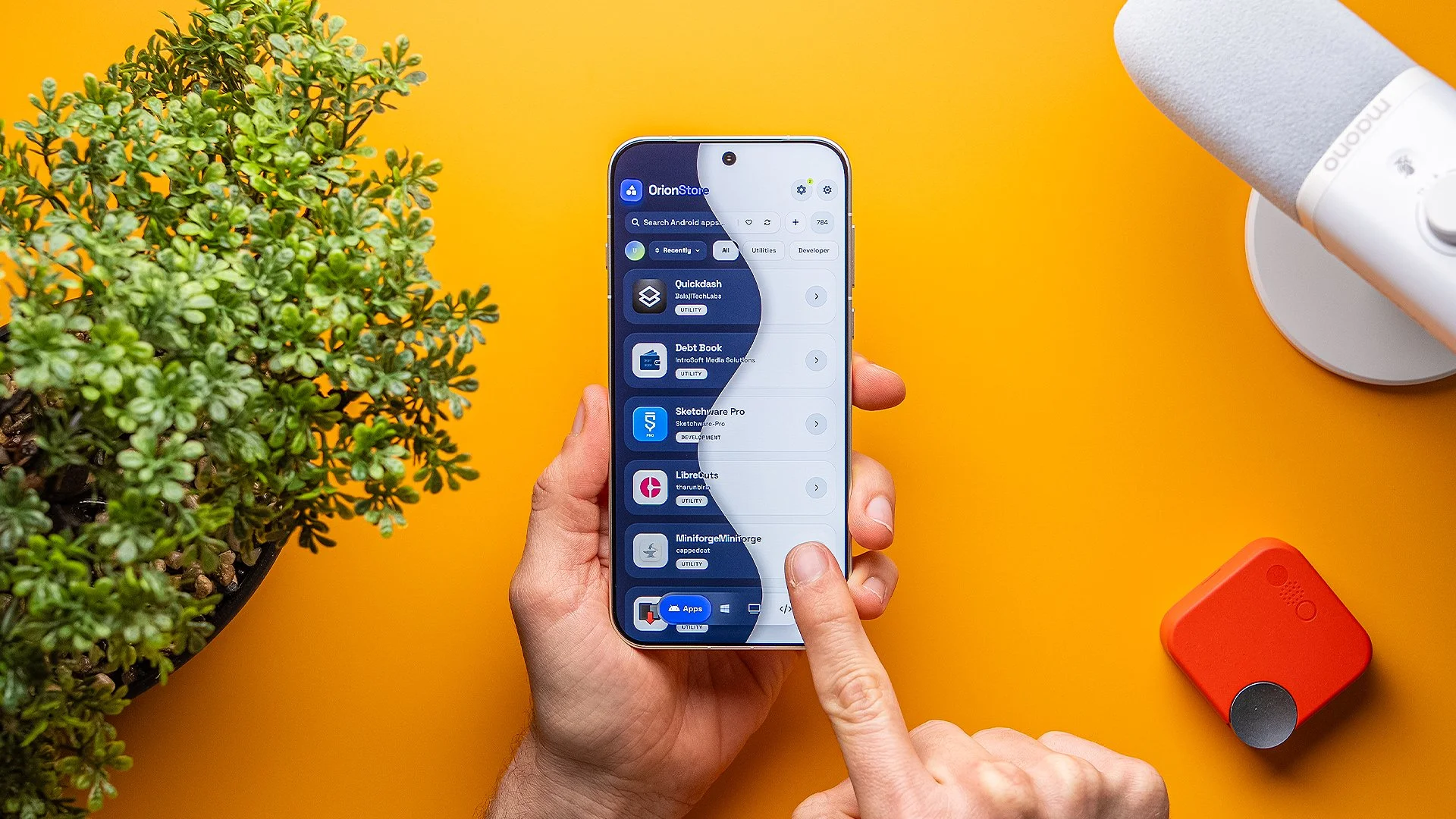
The best apps not on Play Store are often the ones that solve oddly specific problems better than anything mainstream. I found 10 that genuinely feel useful, from text automation and foldable controls to battery monitoring, app locking, and a full store dedicated to non-Play apps. If you like tweaking your phone and squeezing more control out of it, this is the list.
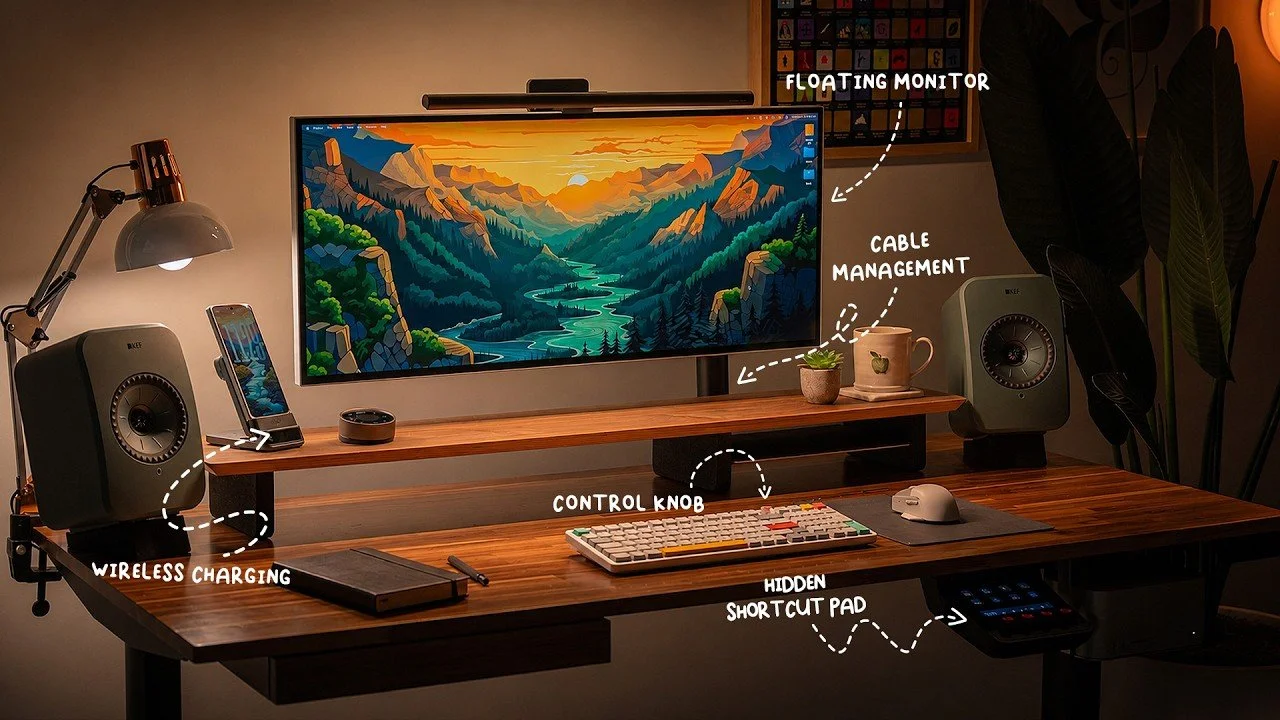
Desk setup accessories can make a minimal workspace cleaner, from a 100 W retractable USB-C charger to an under-desk Mac Studio mount for cable control.
The best macOS apps for Windows switchers are the ones that bring back the little habits you do not realize you rely on until they are gone. After moving to a Mac Studio as my full-time editing machine, these are the apps that helped me rebuild the Windows features I missed most: clipboard history, Snap Assist, Finder flexibility, and smoother Android-to-Mac syncing.
Oppo Find N6 review: ColorOS fluidity beat One UI for me, and its lock-screen notification behavior became a daily-use win on a foldable.
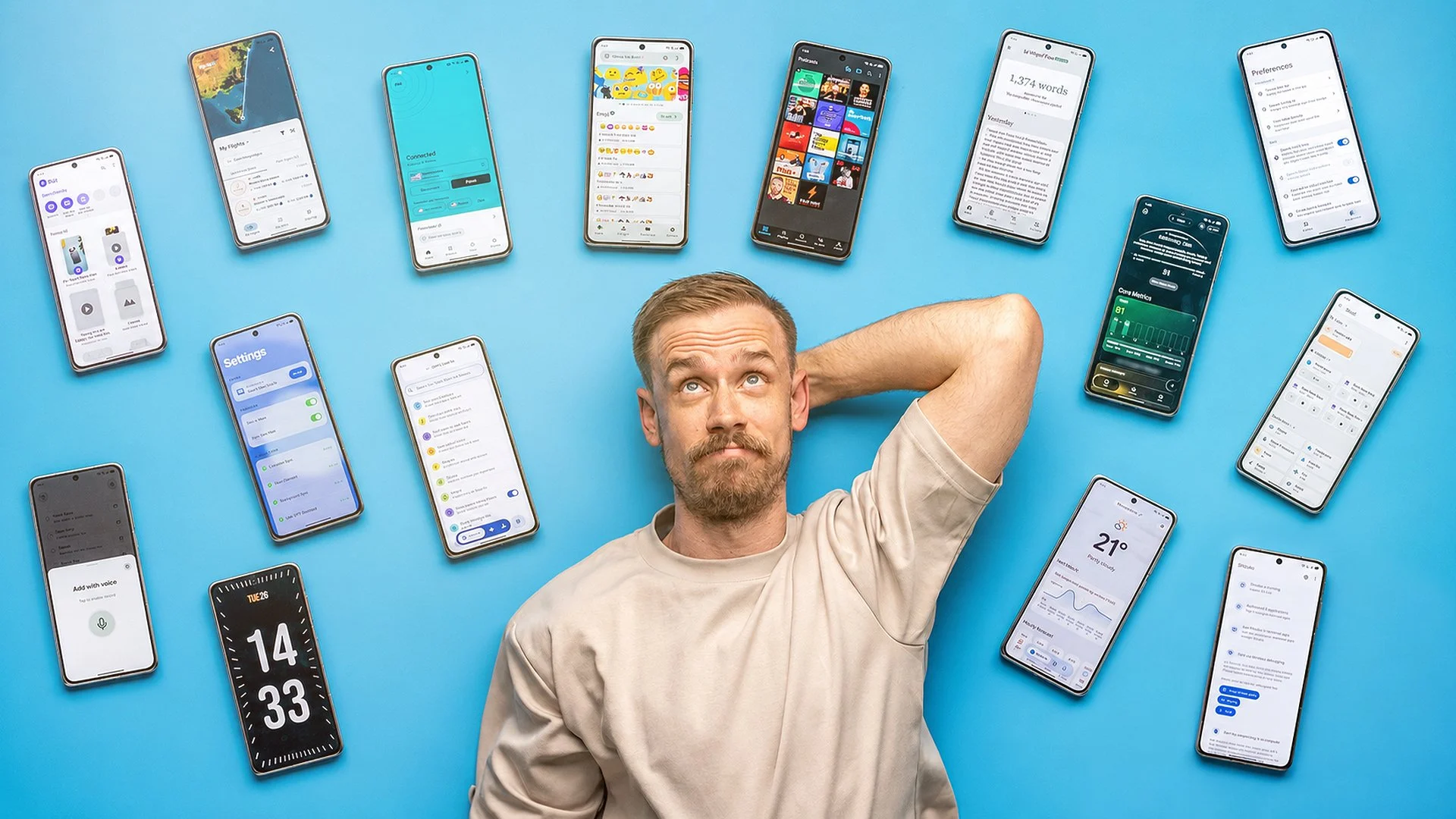
These Android apps have become the first things I install, the tools I rely on every day, or the little utilities that make Android feel properly mine. The biggest surprise is Essentials, which has replaced a bunch of apps I used for years, but the full list covers reminders, Android-to-Mac workflows, smart home control, travel, podcasts, health, VPNs, and voice typing. If you like Android because it lets you tinker, automate, and build your own setup, this is the exact kind of app list I get excited about.
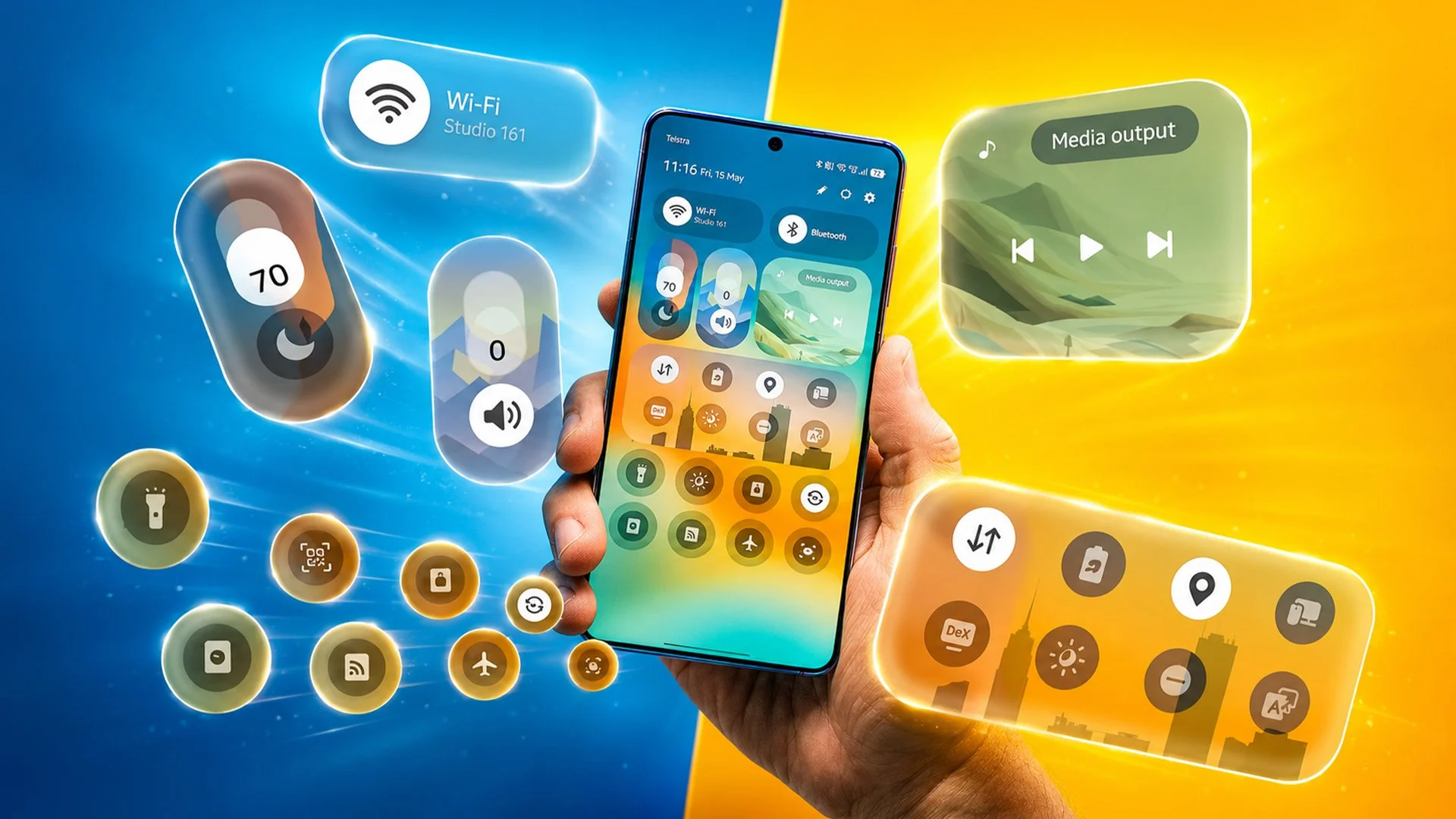
One UI 8.5 hidden tricks make Samsung phones feel far more customizable, with partial screen recording, Gallery Assistant, and 24MP on S26 series.
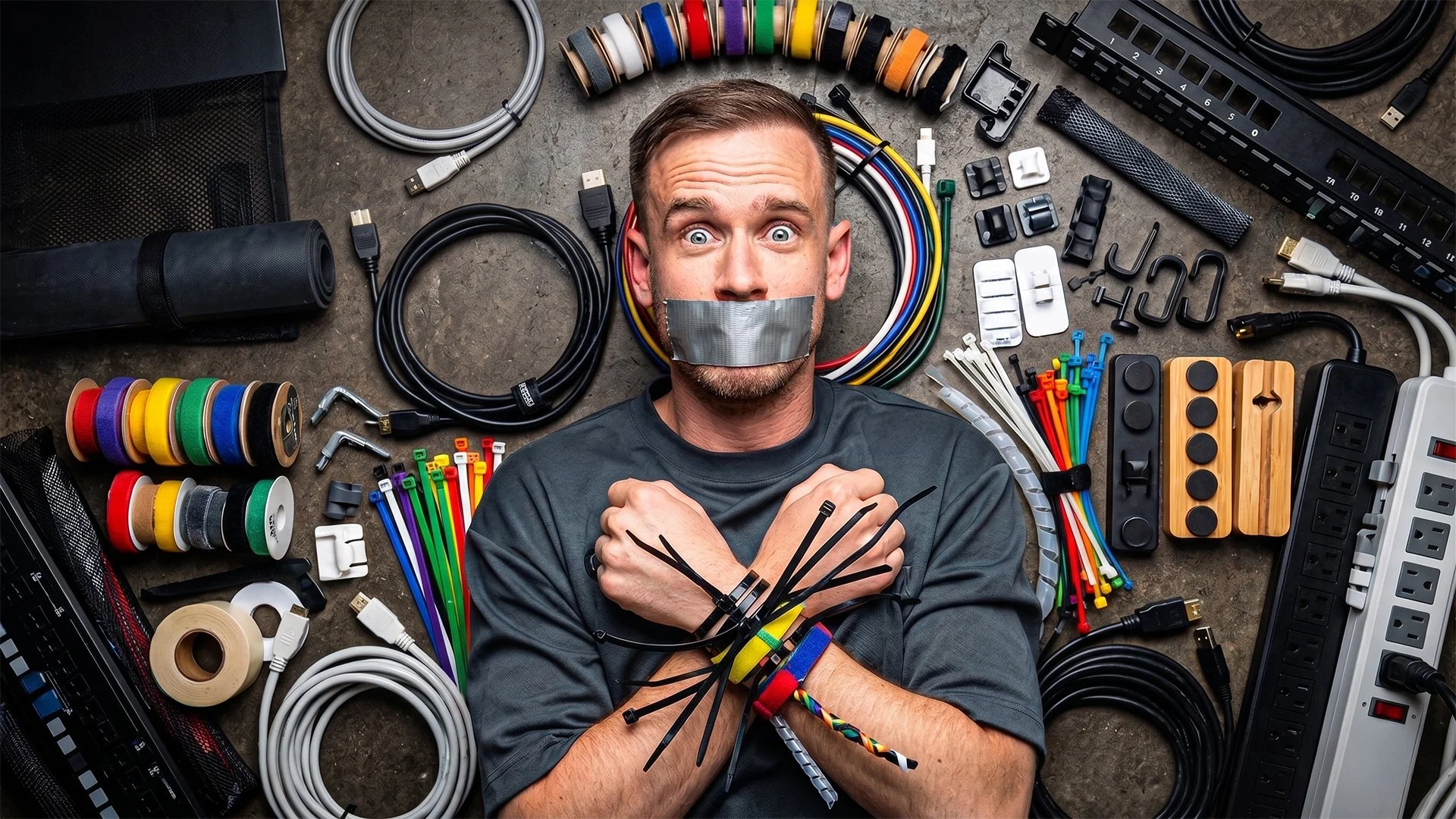
Cable management accessories tested after over $500 spent, with under-desk trays and raceways winning for a cleaner, flexible setup over a floor box.
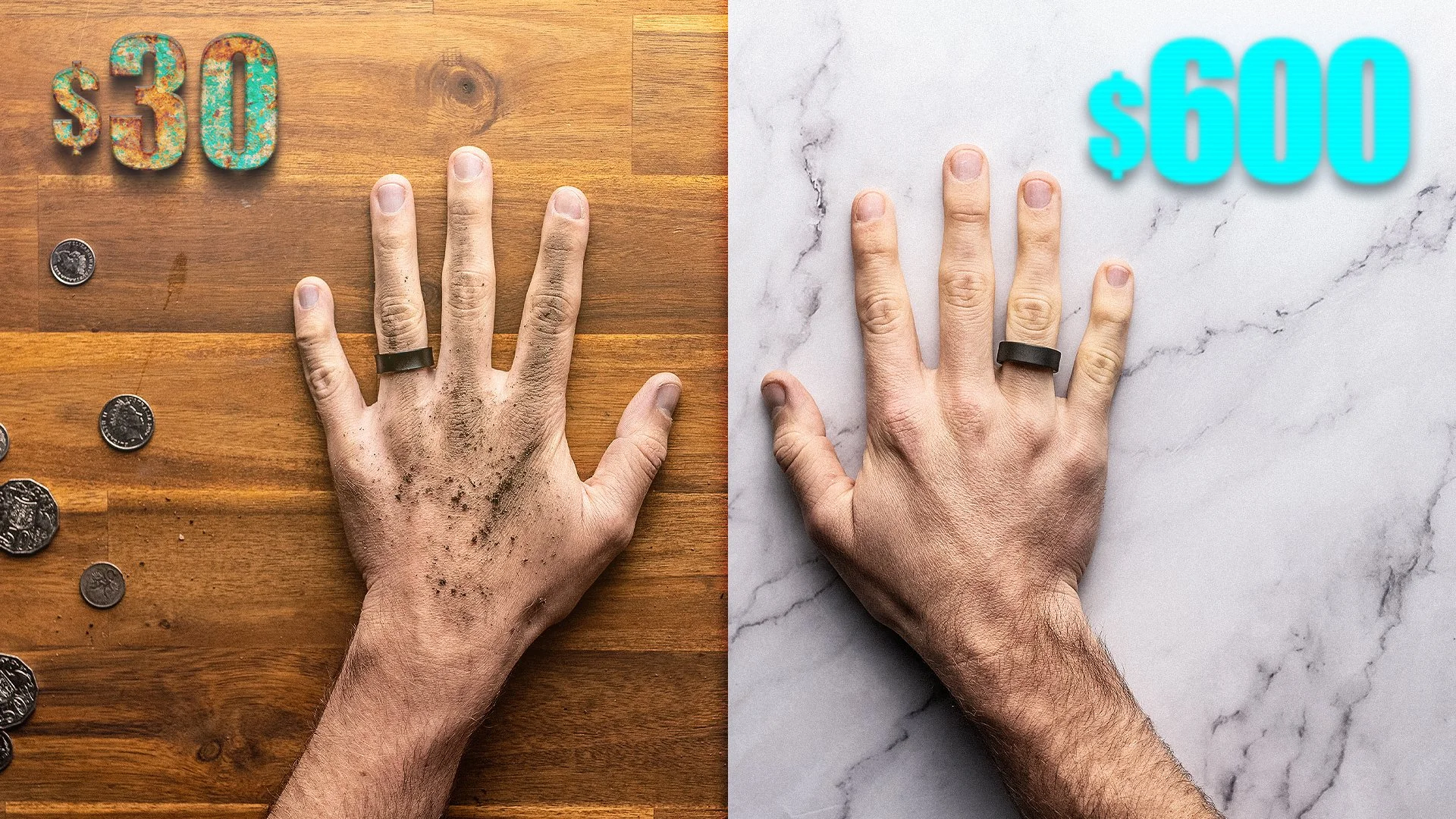
This smart ring comparison surprised me: the $30 ring was genuinely useful for basic sleep duration and passive step counting, but the $600 Ultrahuman Ring Air still feels like the ring I’d trust for deeper health data. The cheap ring wins on charging convenience and real-time step updates, while the Ultrahuman wins on build, battery life, sleep insight, and overall tracking depth. The catch is that the expensive ring has had serious long-term battery issues for me.